
QML vs QT Widgets: File Size and Memory (C++)

Anthony Tietjen · March 15, 2025
Qt is a powerful cross-platform framework used for developing applications with intuitive user interfaces. It provides two main approaches for UI development: Qt Widgets, which follows a traditional imperative model with C++-based UI components, and Qt Quick which uses QML, a declarative language designed for fluid, modern interfaces alongside the custom QJSEngine for frontend JavaScript interactions. Both offer unique advantages, but they also differ in terms of performance, resource usage, and application footprint.
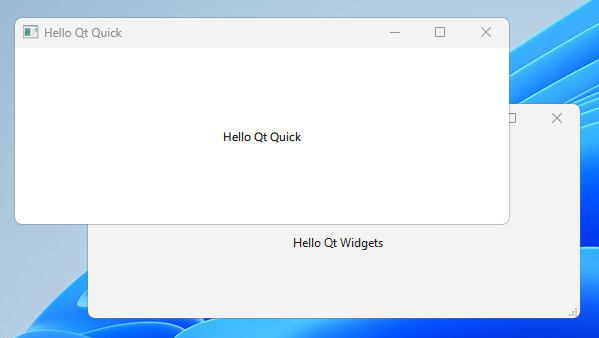
Testing File Size and Memory Consumption
In this post, I’ll compare the file size and memory consumption of a simple "Hello World" application built with Qt Widgets and Qt Quick (QML). The goal is to see how each approach impacts the final executable size and runtime memory usage. I'll build both versions, deploy them, and measure their resource consumption to provide insights into which might be more suitable for lightweight applications.
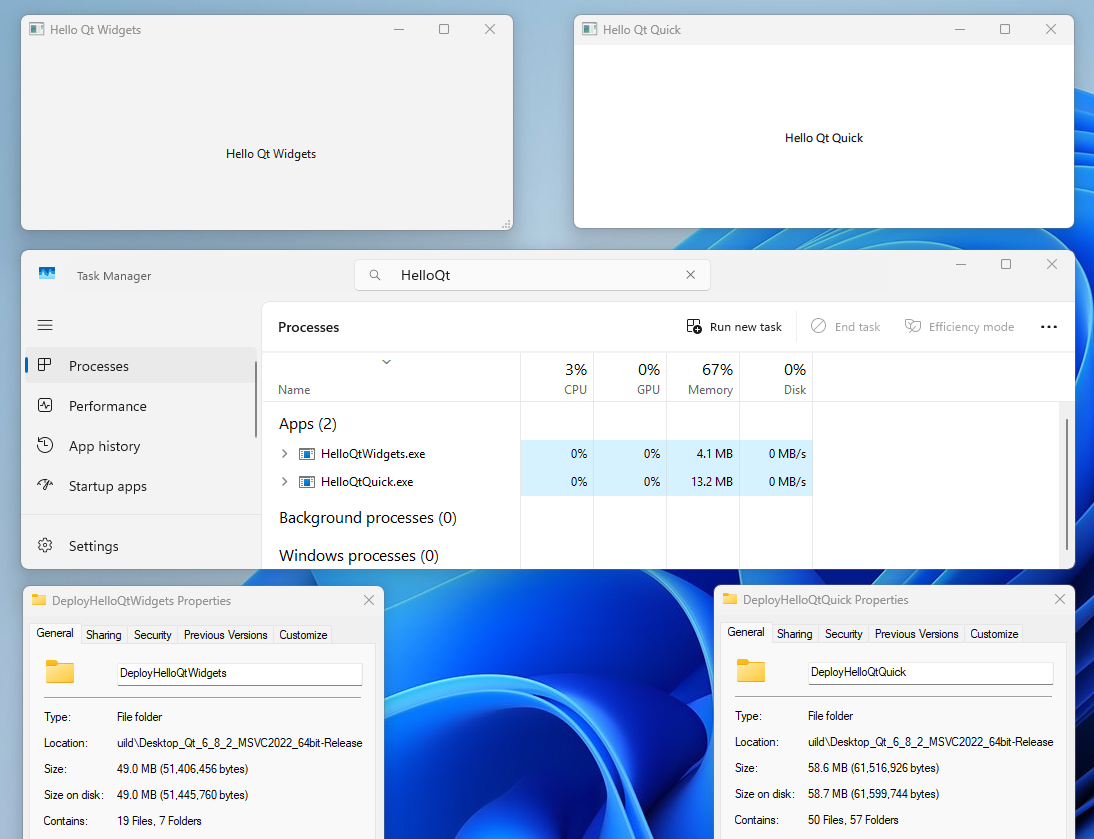
The screenshot below shows the difference between memory usage and total file size before zipping.
File Size Observations
Both .exe files were 29KB. They were compiled with dynamically linked Qt libraries, so it is expected that the exe's would be very small.
The Qt Widgets app folder after including the DLLs took up 49MB with 19 files,
The QT Quick QML app folder after including the DLLs took up 58.7 MB with 50 files.
Memory Consumption Observations
The Qt Widgets app used 4.1 MB of RAM while
The QT Quick QML app used three times more at 13.2 MB of RAM.
Application performance
When resizing the QT Widgets app, the resize was smooth without any noticeable flickering.
When resizing the QT Quick QML app, the resize was jittery, revealing a black background while performing the resize. I was able to adjust the QT_QUICK_BACKEND setting to get it to perform smoother.
Notes on the Build Process
Both projects were built using the msvc2022_64 kit.
When preparing the QT Widgets bundle, I ran windeployqt without translations.
windeployqt .\HelloQtWidgets.exe --no-translationsWhen preparing the QT Quick QML bundle, I ran windeployqt without translations and also specified the qml directory to make sure to include the correct dependencies.
windeployqt .\HelloQtQuick.exe --no-translations --qmldir="../../../"
About StratusCube
StratusCube makes software for everyday use along with software engineering articles. If you enjoined this article, please take a moment to browse our apps or check out more articles .