Using Liquid Glass in Electron

Anthony Tietjen · July 14, 2026
Electron doesn't natively support liquid glass. By using a plugin we can apply liquid glass to Electron apps on macOS 26.
Setup
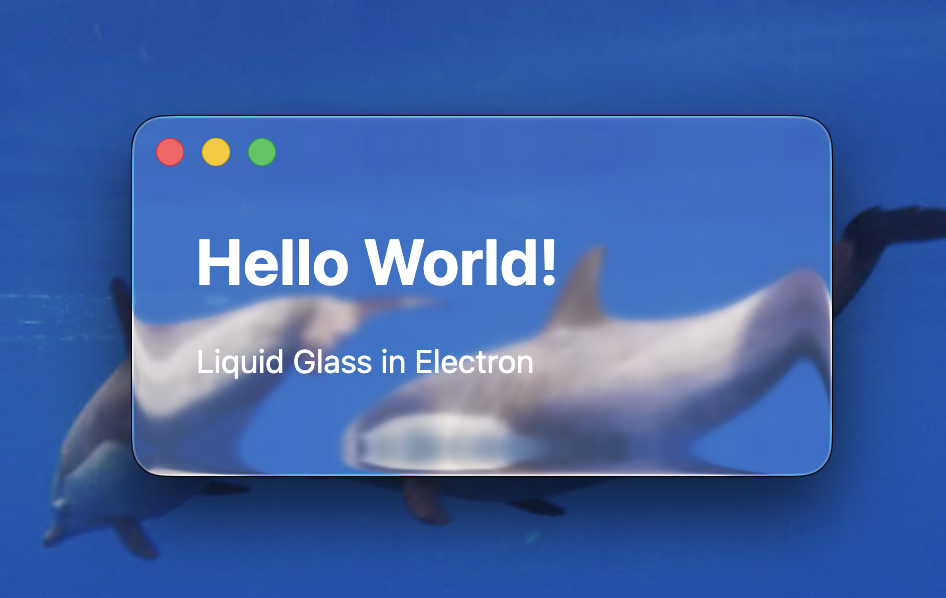
First, install the electron-liquid-glass to achieve the transparency. Then, set titleBarStyle: 'hiddenInset' on your main window to get the titlebar buttons to blend into the body of the window. Finally, add a div at the top with the css of app-region: drag to allow moving the window now that the real titlebar has been hidden.
Default Settings
Active window using default settings
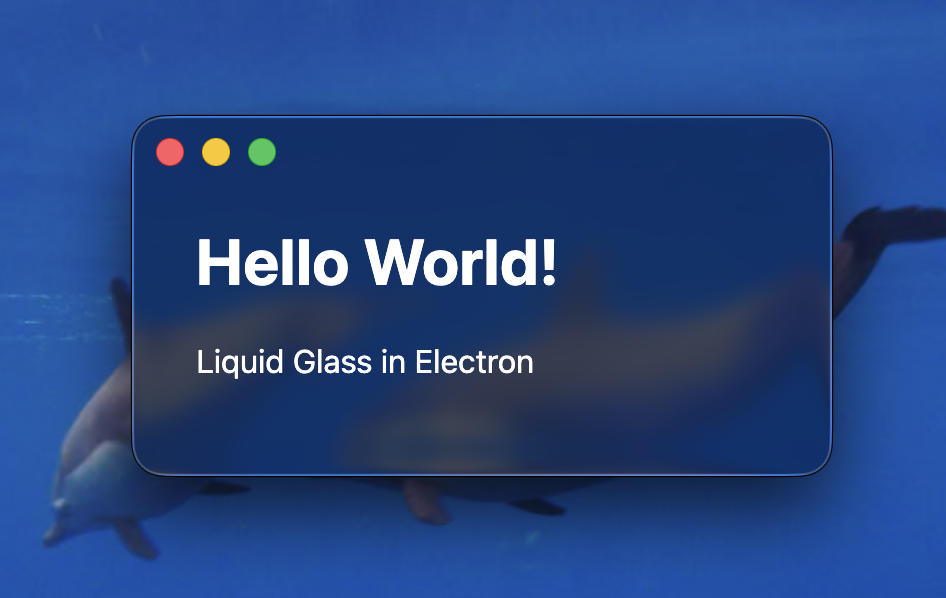
Inactive window has a slightly different transparency
Custom Tint Color
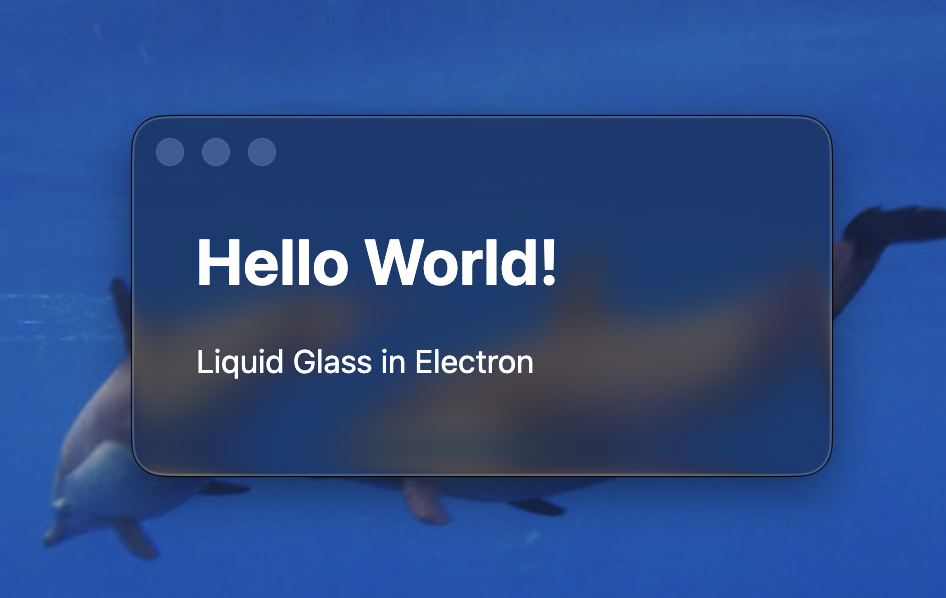
We can pass in tintColor: "#0000FF10" to change the tint of the window
Active window shows the tint
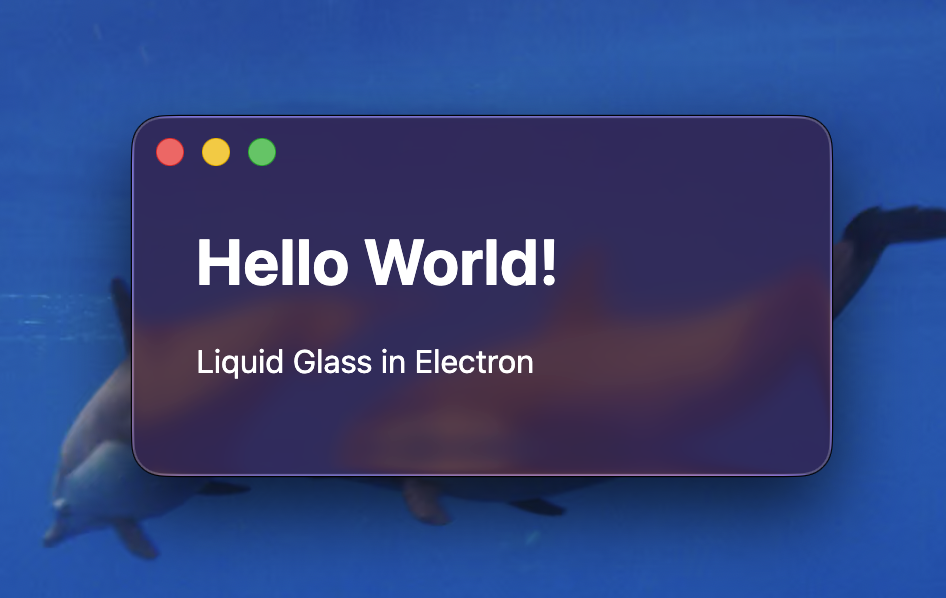
Inactive window doesn't show the tint
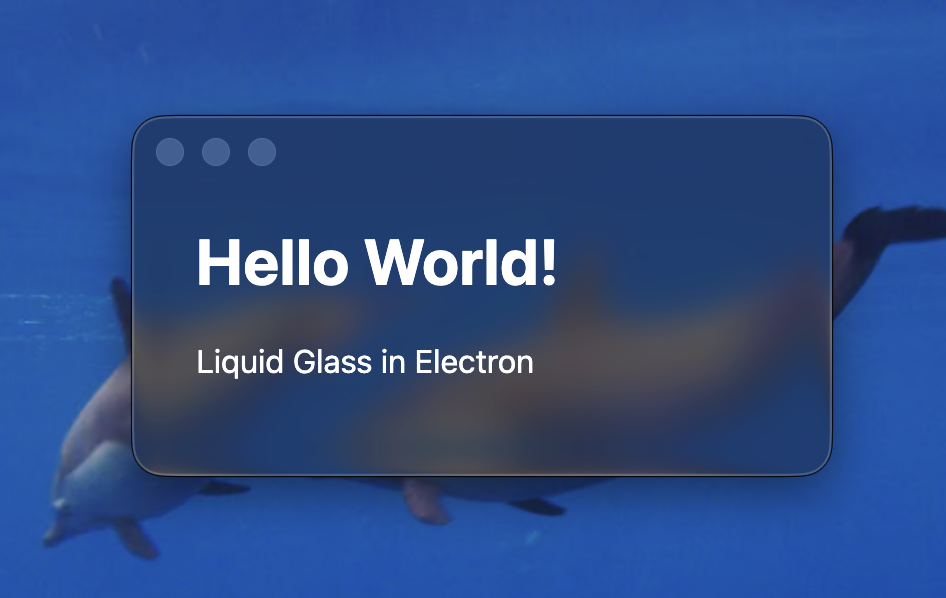
Experimental Methods
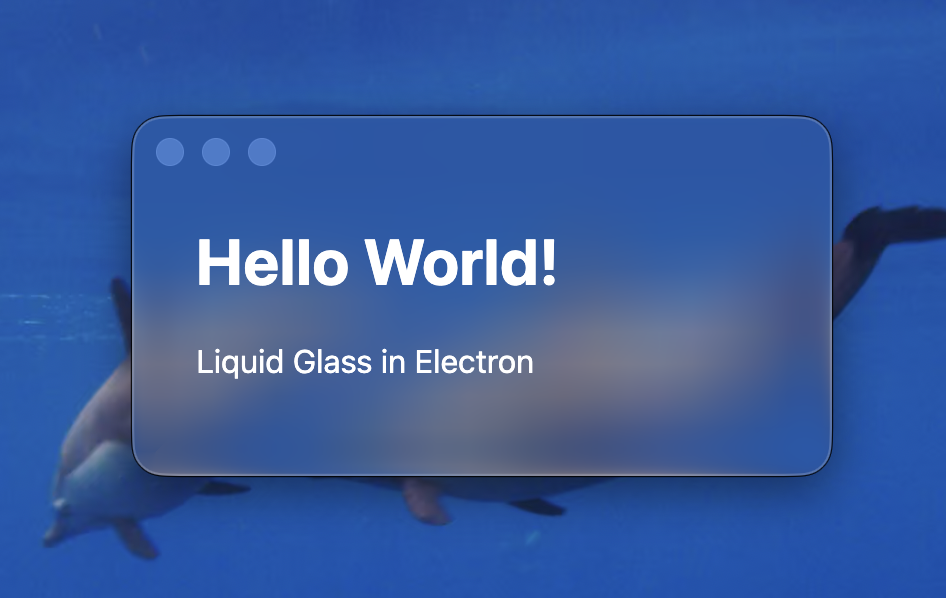
By calling the undocumented private API of liquidGlass.unstable_setVariant(glassId, 2), we can achieve a glossy look. (Warning: Using private API's through the undocumented experimental methods will likely result in your app being declined if you try to submit it to the Mac App Store, and they are not guaranteed to work in future versions of macOS.)
Active window using unstable variant applies a glossy look
Inactive window using unstable variant resorts to matte look

About StratusCube
StratusCube makes software for everyday use along with software engineering articles. If you enjoined this article, please take a moment to browse our apps or check out more articles .